Skip to content

Browser studio + live channel

Go live.Everywhere.Let people in.

Ditch is a browser-based livestream studio and a streaming platform in one. Produce your show, send it to every major platform, then bring viewers onto the broadcast.

No setupNo download. No pile of plugins. OBS is welcome if you want it.

One broadcast
  • Twitch
  • YouTube
  • TikTok
  • Kick
Your Ditch channel
01The signal

One room runs the whole live.

Ditch sits at the center. Your show goes out to every platform, while the audience has one place to watch, chat, and step on screen.

DITCHTransmission controlChannelyour-channelOn airTC00:14:26:11Frame rate60 FPSEnd stream
Program outputScene 1
Canvas 1280 X 720Frame 60 FPSStage 2/4
Screen share
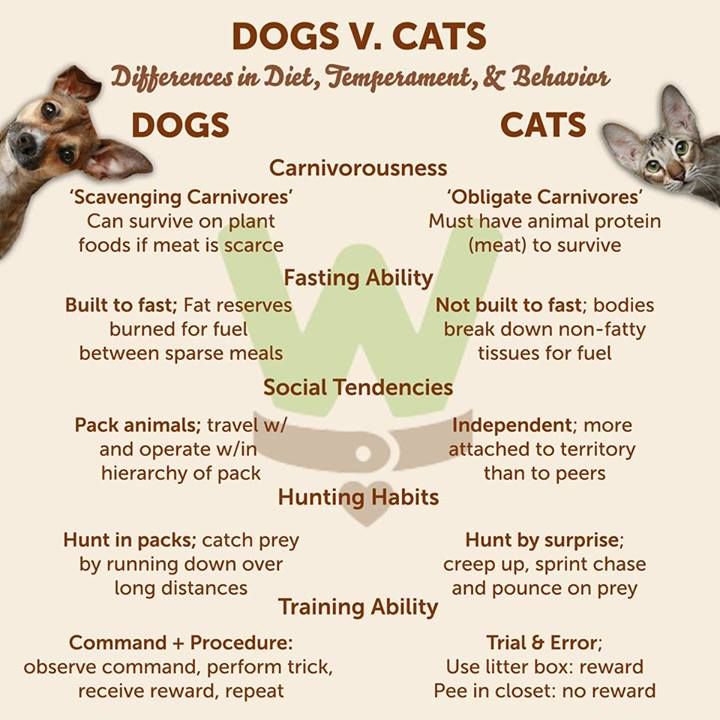
Cats are better pets than dogs.
because
Cats cost less to keep than dogs.
Cats eat less than dogs.Their gear is smaller and cheaper.
because
Cats need less time than dogs.
No walks, ever.They wash themselves.
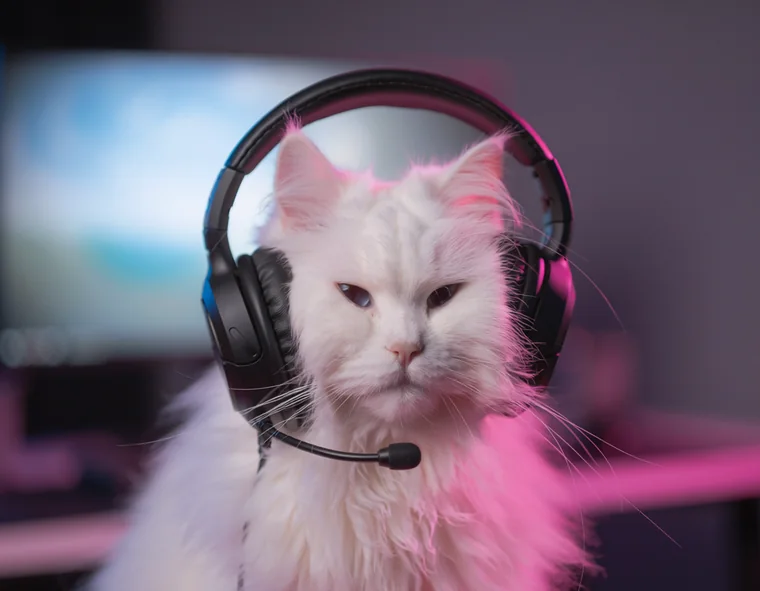
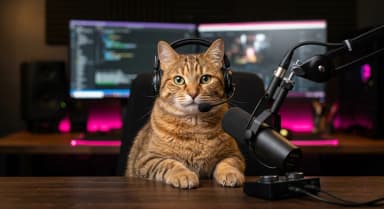
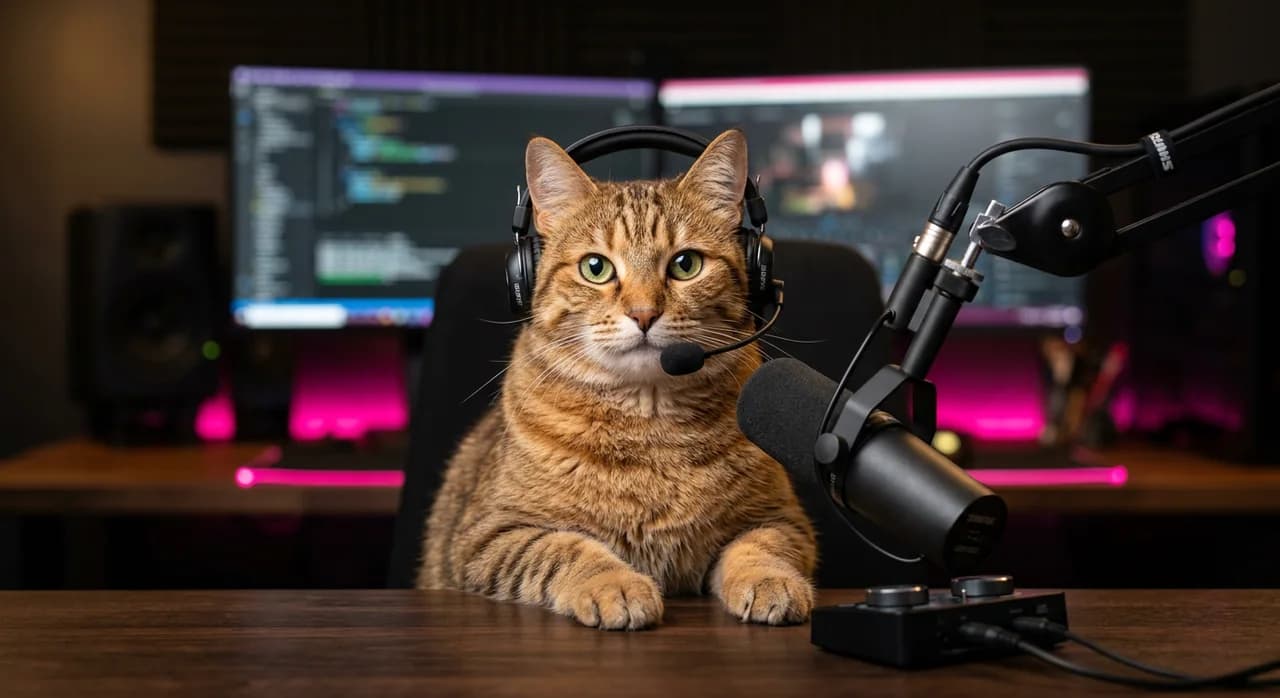
Host camera: a cat in a streaming studio
YouCam 01
Guest camera: a viewer who joined the broadcast
AudienceJoined from Twitch
Input 01 / Screen shareCompositor / 03 sourcesUplink / TransmittingRoom / 02 on stage
02What Ditch is

Two sides of the same live session.

A streaming tool when you need reach.A streaming platform when you need a room.

A / THE TOOL

Open a tab. Run the show.

Camera, mic, screen share, scenes, guests, and every output live in the browser. If OBS is already part of your workflow, send that signal into Ditch instead.

B / THE PLATFORM

Give the show one address.

Your Ditch channel is a place to watch, chat, and request to join. It stays open while the same show reaches viewers on Twitch, YouTube, TikTok, and Kick.

03From zero to live

Set up once. Start in minutes.

The technical parts stay out of the way, so you can spend your energy on the format, the guests, and the people watching.

  1. 01

    Claim your channel

    Choose your Ditch address. It becomes the permanent home for every live session.

  2. 02

    Save your destinations

    Connect Twitch, YouTube, TikTok, and Kick once. Turn any destination on or off for each show.

  3. 03

    Open the studio and go live

    Use your camera, mic, and screen in the browser, or bring OBS. One launch sends the show everywhere.

Nothing to installDestinations rememberedFree during public beta
04Why Ditch

Run a show, not a streaming stack.

Traditional setups make creators operate a collection of tools. Ditch turns the same work into one clear flow.

Traditional streaming setup compared with Ditch
NeedTraditional setupWith Ditch
StartInstall studio software, add plugins, and wire a relay.Open one browser tab, or bring the OBS setup you already know.
ReachBroadcast to one platform or add another service to the stack.Send one show to every destination you have saved.
AudienceLeave viewers split between separate platforms and chats.Give the show one Ditch channel alongside every platform output.
GuestsShare separate call links, then rebuild the scene around them.Let viewers request a spot and cue them directly onto the broadcast.

Made for shows that get better when people join.

  • Live podcasts
  • Interviews
  • Call-in shows
  • Co-streams
  • Q and As
  • Community nights
05 / OPEN THE ROOM

Your next great guest is already watching.

Give them somewhere to enter.

Claim your channelFree during public beta